























Product Help
Case Installation & Removal Help
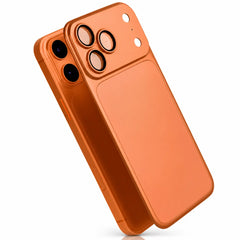
Install and remove your phone or tablet case carefully to protect the case, device edges, buttons and camera area.
On this page
Installing a phone case
- Clean the phone and inside of the case.
- Start with the edge that gives the camera and buttons the clearest path into position.
- Press the remaining corners in gently, one at a time.
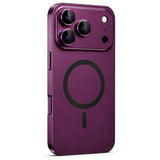
- Check that the camera surround, buttons, ports and speaker openings are seated correctly.
Removing a phone case
- Start at one corner away from the camera where the case has the most flexibility.
- Gently release that corner, then the adjacent corner.
- Lift the phone out gradually rather than twisting the device or pulling sharply around the camera area.
After installation
Check button response, camera clearance, port access and magnetic charging. If wireless charging seems weaker after fitting the case, see our charging-through-a-case guide.
Do not force it
If the selected case does not align with the camera, buttons or dimensions of your device, stop and confirm the exact device model before continuing.